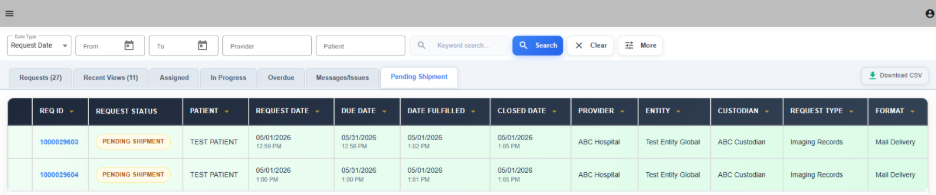


Requests
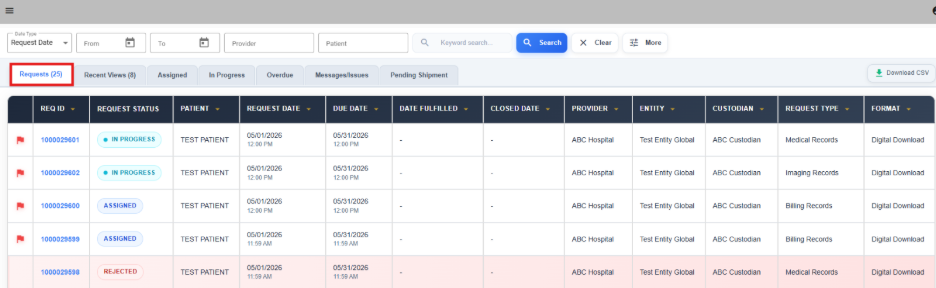
The “Request” tab displays all record requests you have access to view within the system, regardless of their current status. It serves as a comprehensive overview of all available requests.
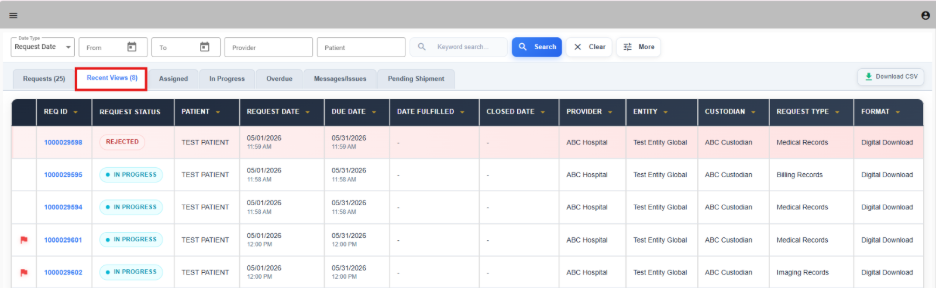
Recent Views
The “Recent Views” tab shows the requests you have most recently opened or reviewed. It allows you to quickly return to requests you’ve accessed without having to search for them again.
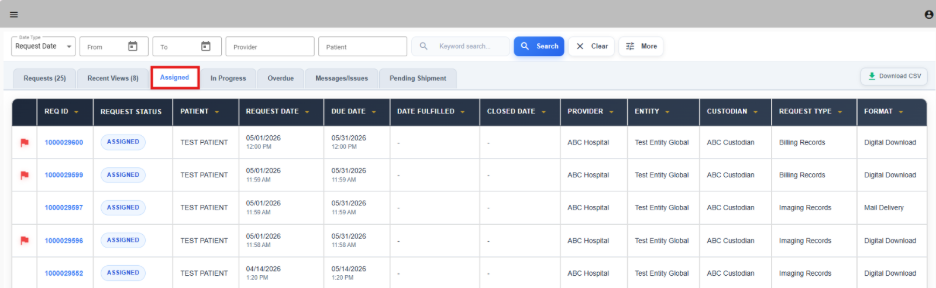
Assigned
The “Assigned” tab includes all requests that have been assigned to you but have not yet been marked as In Progress. These requests are awaiting action or review.
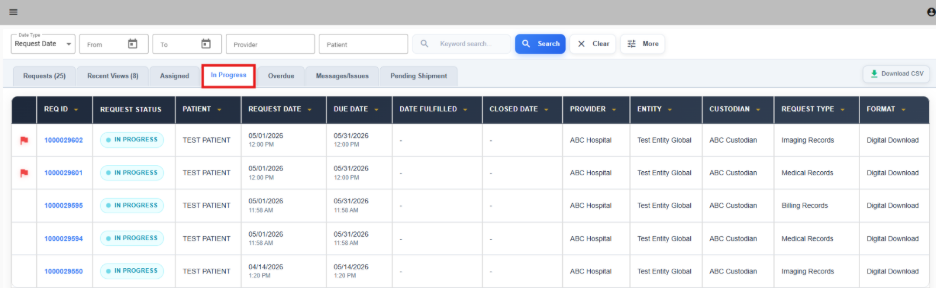
In Progress
The "In Progress" tab contains requests that are actively being worked on and have been marked as In Progress. It helps track ongoing tasks and manage your workflow.
Overdue
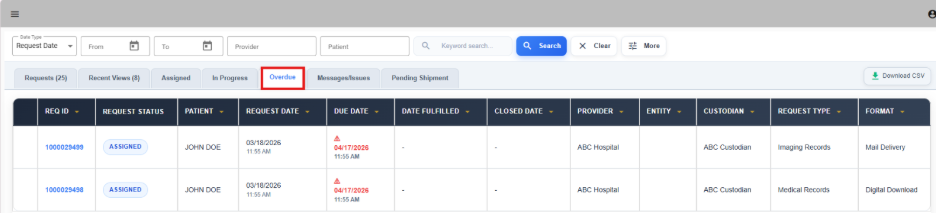
The "Overdue" tab lists all requests that have passed their initial due date and require immediate attention to ensure timely completion.
Messages / Issues
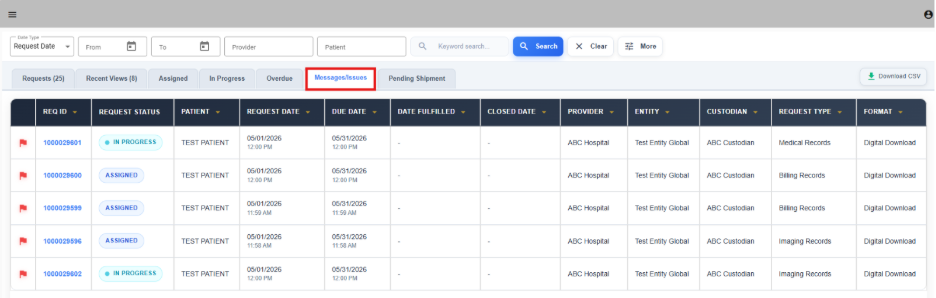
The “Messages/Issues” tab displays requests where the requestor has sent a message or raised a question or issue. It helps you quickly identify requests that may need clarification or follow-up communication.
Pending Shipment
The "Pending Shipment” tab includes all mail delivery requests that have been paid for by the requestor and are still awaiting shipment. These requests are awaiting mail to be shipped for these requests.